
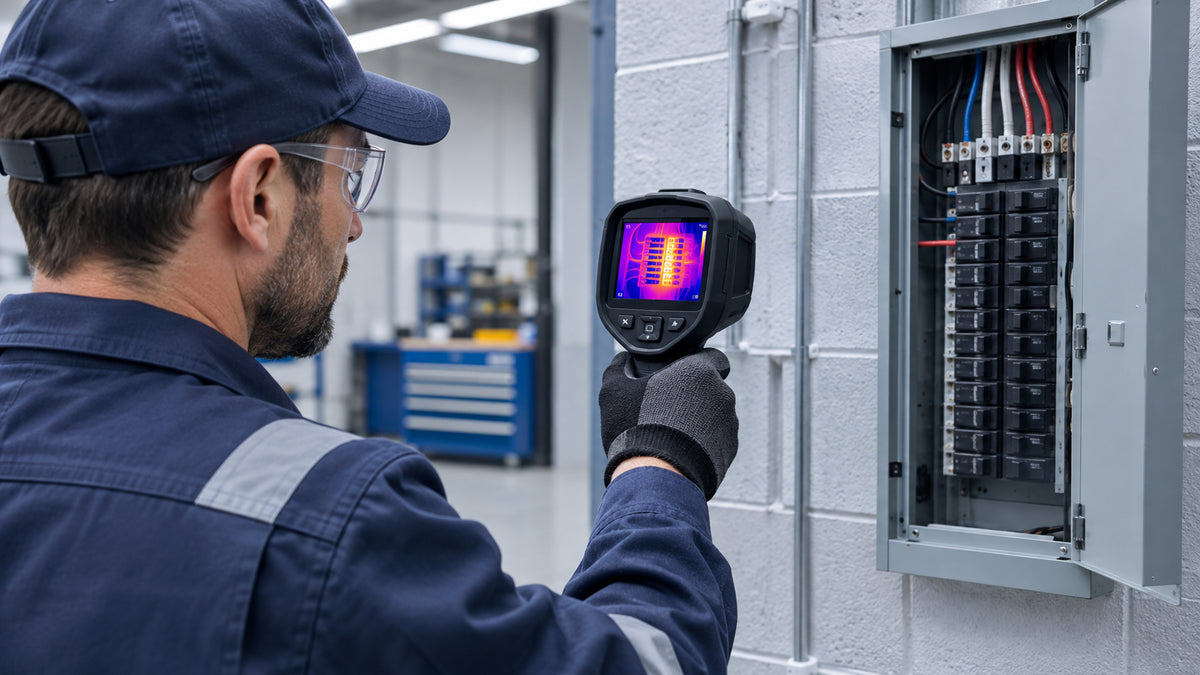
Thermal imaging can help reveal temperature patterns during electrical, HVAC and building inspections. The right camera depends on your phone, viewing distance, work environment and reporting process. Thermal images show surface temperature differences; the image alone does not identify the cause of a fault.
Check your device connection first
Phone attachments can be compact and convenient, but connector and app compatibility matter. The TOPDON TC001 256×192 USB-C Thermal Camera for Android Devices is designed for compatible Android devices. The TOPDON TC002 256×192 Thermal Imaging Camera for iPhone and iPad and TOPDON TC002C USB-C Thermal Imaging Camera for iPhone 15 and iPad serve different iPhone or iPad connection needs. Verify your exact device and port before buying.
Consider lens and working distance
For inspections at varied distances, lens choice can influence what fills the frame and how much detail you can see. The TOPDON TS001 Android Thermal Camera with Adjustable 9 mm Lens has an adjustable lens for a different viewing workflow. Compare field of view, focus and specified temperature range in the product details.
When a standalone imager makes sense
A dedicated handheld camera can be easier to share across a team without depending on a phone. The TOPDON TC003 5-Inch Handheld Thermal Camera with 256×192 IR Sensor combines a 5-inch display with a 256×192 infrared sensor. Review storage, power and reporting needs alongside the display format.
Use measurements carefully
- Set emissivity appropriately for the surface where the device allows it.
- Account for reflected heat and environmental conditions.
- Compare like surfaces under similar conditions.
- Confirm suspected electrical or mechanical faults with suitable follow-up tests.
See our Inspection & Imaging collection for available thermal cameras.